
I. Chuẩn bị
1 máy chủ centos 7: đã cài đặt docker-compose ( có thể xem hướng dẫn tại bài 1)
Link file cài đặt .yml trên git : https://github.com/ptit9x/docker-compose-yml link tham khảo của pti9x
II. Cài đặt
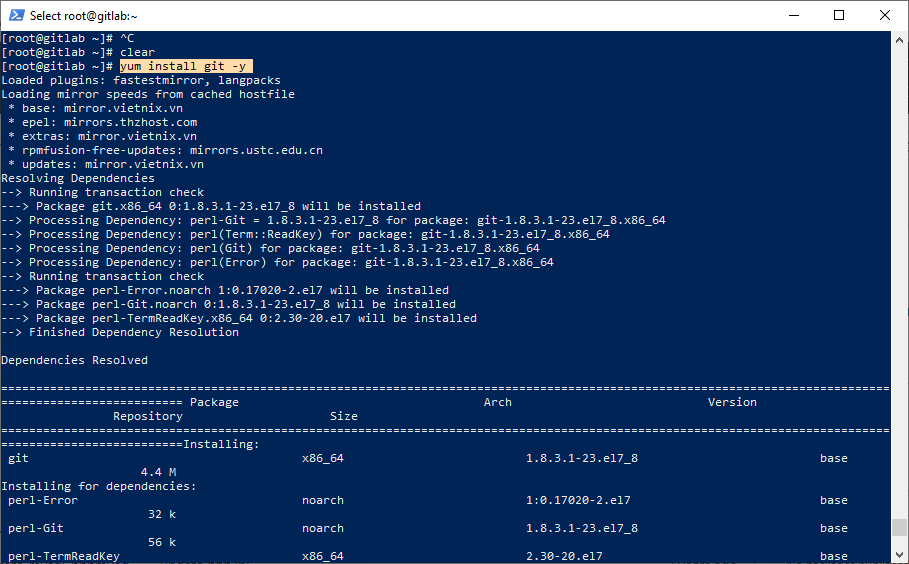
Step 1 – Install Git
[root@gitlab ~]# yum install git -y
[maxbutton id=”2″ text=”Step 2 – Clone source từ git về” ]
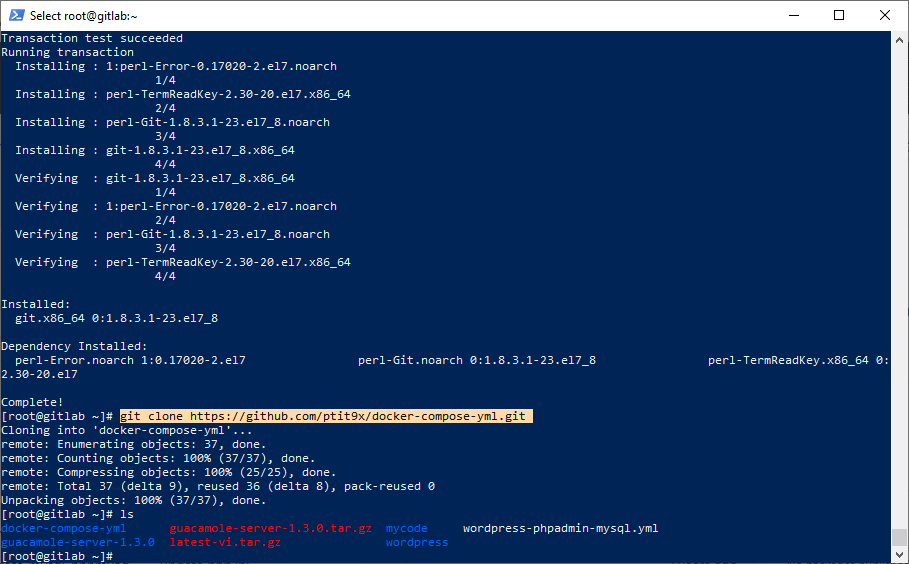
[quote] [root@gitlab ~]# git clone https://github.com/ptit9x/docker-compose-yml.git [/quote]
[maxbutton id=”2″ text=”Step 3 – Di chuyển vào thư mục” ]
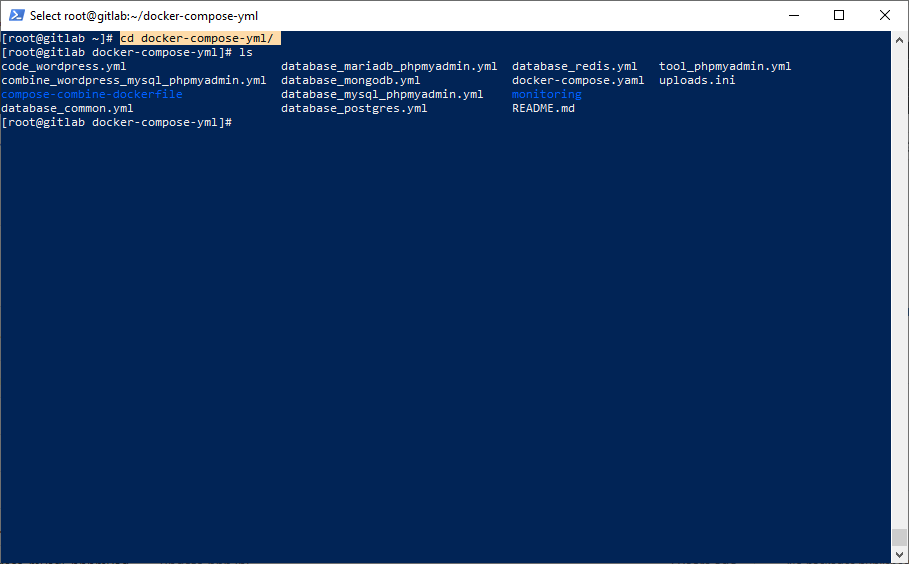
[quote] [root@gitlab ~]# cd docker-compose-yml/ [/quote]
[maxbutton id=”6″ text=”Step 4 – Chỉnh sửa file combine_wordpress_mysql_phpmyadmin.yml ” ]
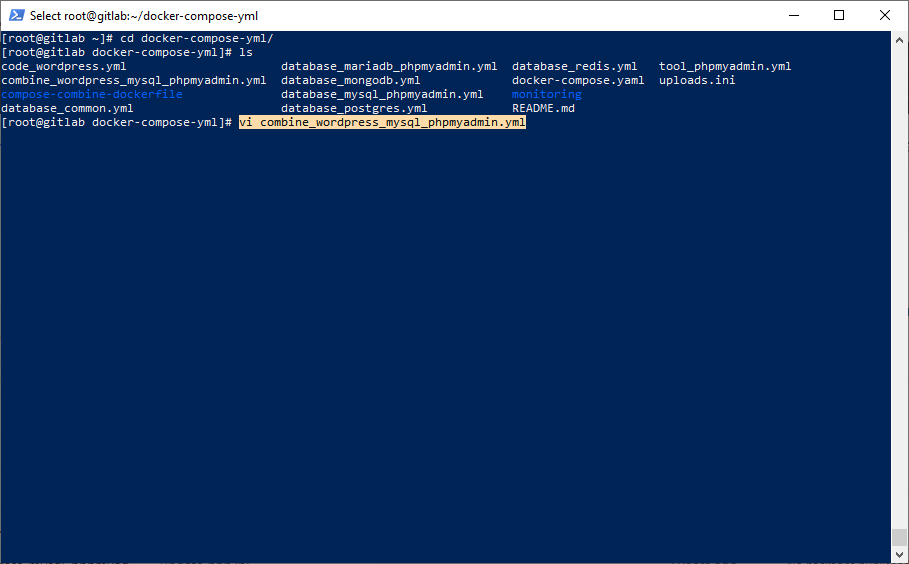
[quote] [root@gitlab ~]# vi combine_wordpress_mysql_phpmyadmin.yml[/quote]
Các thông tin cần chỉnh sửa:
- Đối với Database
- MYSQL_ROOT_PASSWORD: password
- MYSQL_DATABASE: wordpress
- MYSQL_USER: wordpress
- MYSQL_PASSWORD: wordpress
2. Đối với trình quản trị phpadmin
- MYSQL_ROOT_PASSWORD: password
3. Đối với wordpress
- WORDPRESS_DB_HOST: db:3306
- WORDPRESS_DB_USER: wordpres
- WORDPRESS_DB_PASSWORD: wordpress
[maxbutton id=”2″ text=”Step 5 – Chạy file .yml với docker-compose ” ]
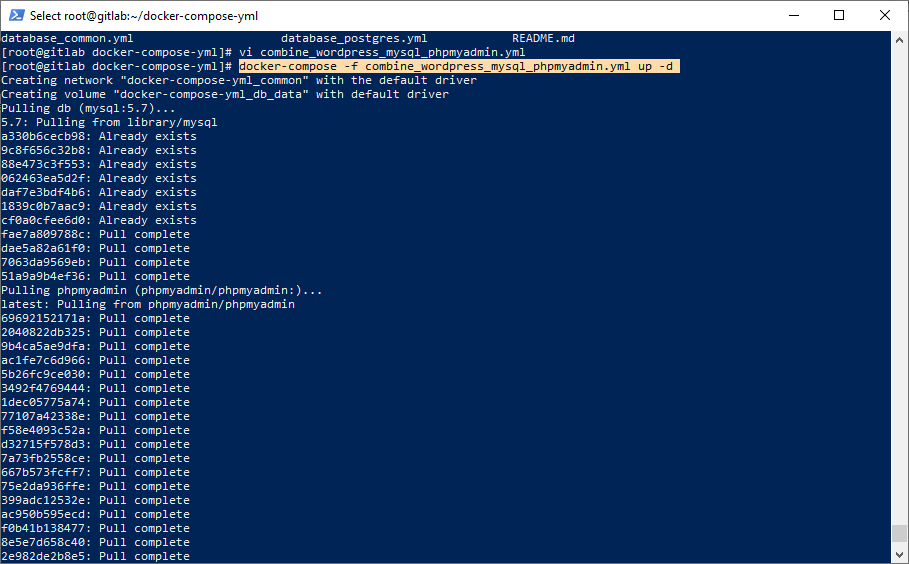
[quote] [root@gitlab ~]# docker-compose -f combine_wordpress_mysql_phpmyadmin.yml up -d [/quote]
[maxbutton id=”2″ text=”Step 6 – Kiểm tra container ” ]
[quote] [root@gitlab ~]# docker ps -a [/quote]
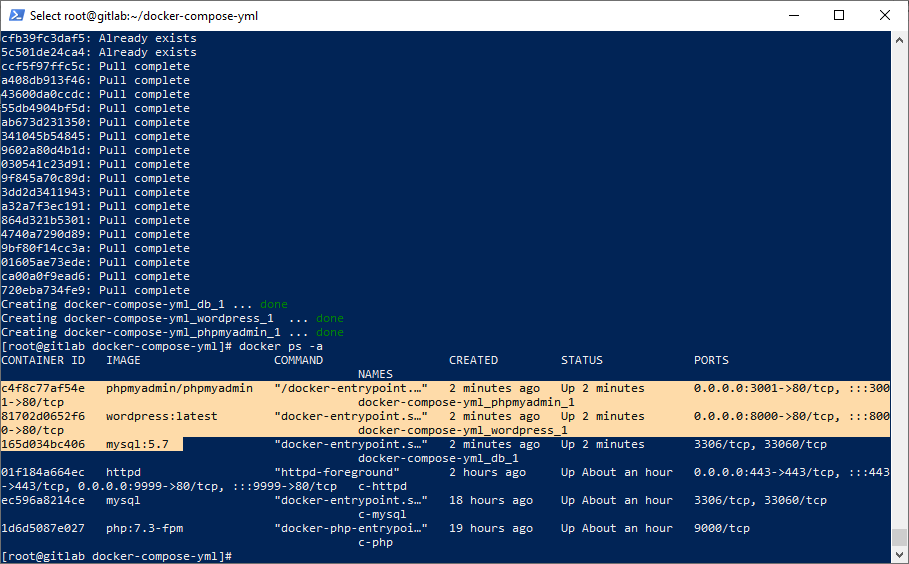
Nếu tất cả các container đã install xong thì nó sẽ có đầy đủ 3 container phpmyadmin, wordpress latest và mysql
[maxbutton id=”2″ text=”Step 7 – Kiểm tra giao diện web ” ]
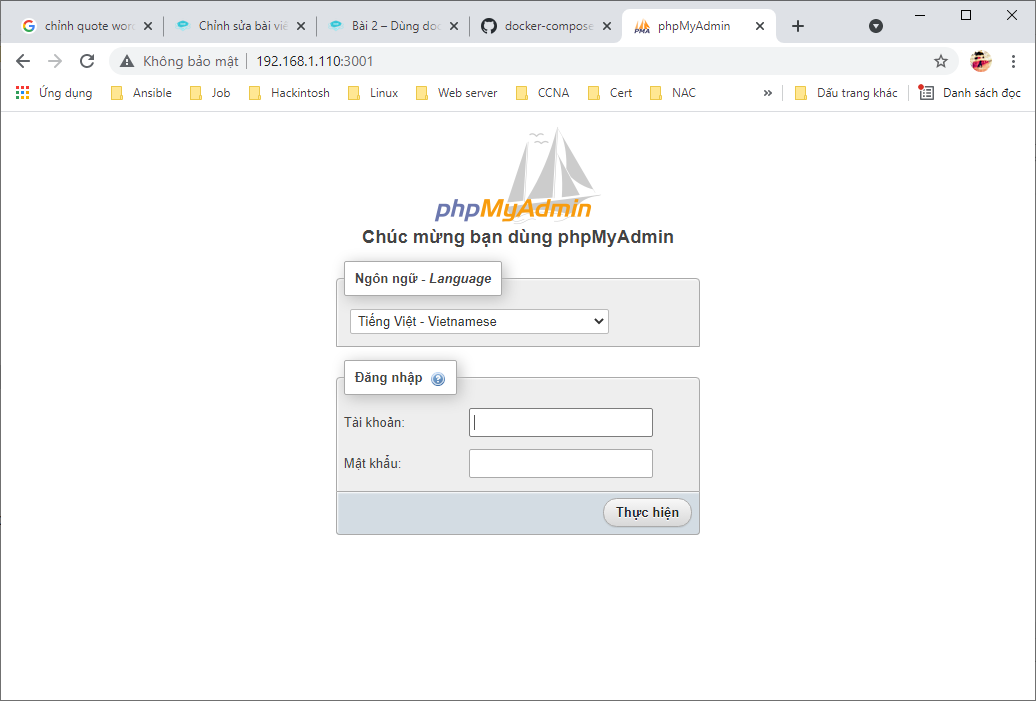
[quote] Với Phpmyadmin trong container ta thấy đang chạy port 3001 [/quote]
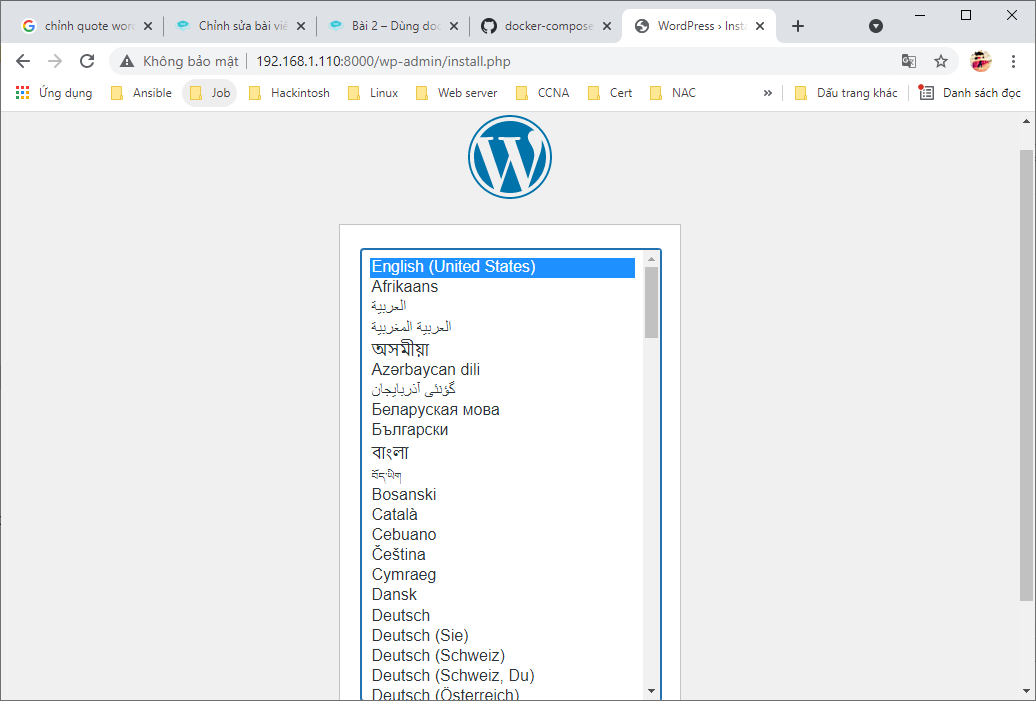
[quote] Đối với worpress thì ta thấy trong container đang chạy port 8000 [/quote]
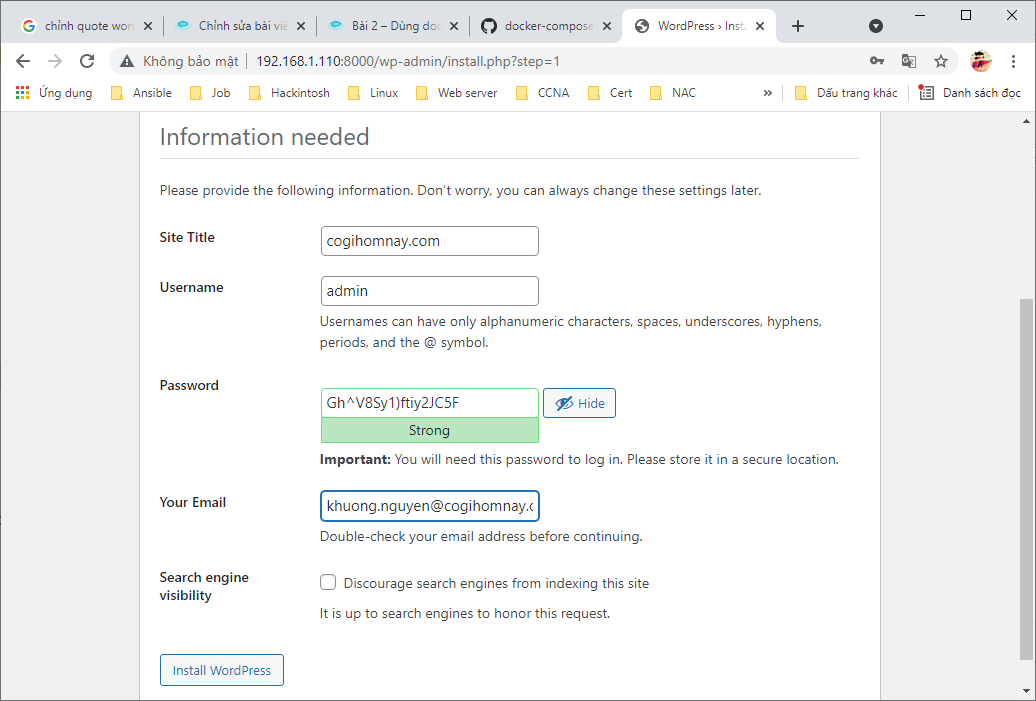
[maxbutton id=”2″ text=”Step 8 – Hoàn thiện các bước setup còn lại của WP ” ]







Bai viết hay!!